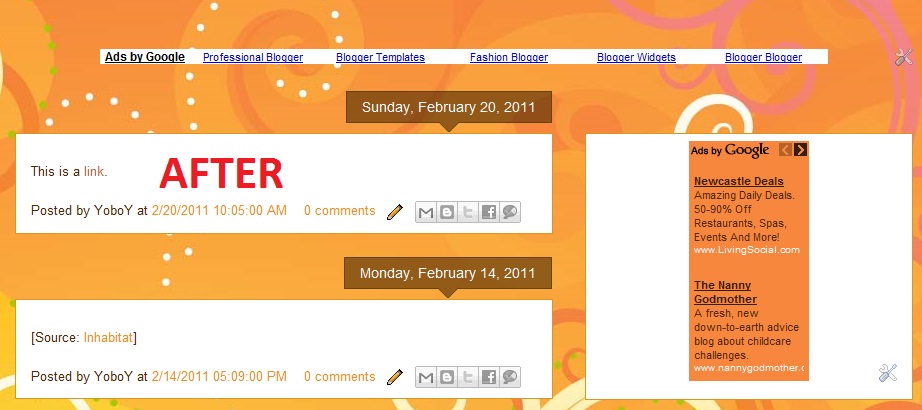
I have received a question from a reader (tomjhappy) on how one can make all the AdSense ads in blogger to be centered. Good question. Simple answer, you'd enjoy this mate. By default, when you add an Adsense Ad to Blogger, it will be aligned to left.
With this simple trick, you can center all your Adsense ads in one simple easy step. Yes, all of them.
Southern Listeners
Loading
Thanks to Greenlava for this cool gadget. Get yours here
Friday, February 25, 2011
Saturday, February 19, 2011
Horizontal Blogger LinkList Gadget
Instead of using the ever-so-popular Pages gadget, lots of users prefer to use the LinkList gadget as their menu bars. Why? Because with Pages gadget, you can only add links to your static pages (Update: This is no longer true in the new Blogger interface). But with LinkList gadget, you can add external links, links to almost just anything. I've shown you how you can replace your Pages gadget with a LinkList gadget here.
Apparently, some of the older templates do not have proper 'crosscol' definitions to make LinkList gadget behave like the Pages gadget. Ideally, we want our gadget to stretch horizontally from left to right across the page, usually below the header. But this isn't the case for some of the older templates, as the LinkList stretches downwards vertically. In this post, I'm gonna show you how you can easily fix it, and use LinkList gadget instead of Pages gadget as your menu bar.
Sunday, February 13, 2011
Adding Shadow Around Blogger Post Pictures
It has been some time since I last composed a post. I moved to another country and I have just settled down - to a certain extent. And now I'm back - hopefully at full swing again. So, today I'm going to show how you can add shadows around your post pictures. I'm not much in the mood for words so let's cut to chase shall we?
Oh, by the way, it won't work with Internet Explorer 8 or any other older version of IE.
Saturday, February 5, 2011
Dedicated Blogger Followers Page
So you have lots of followers to show to your visitors. And the sidebar is too small to display them all. You'd put it at the top of the blog, but it looks awkward. You'd put it in a dedicated page, but you're afraid the gadget will be hidden there. So what do you do?
Have one followers gadget in your sidebar, and one in a dedicated page! Live demo here!
Monday, January 31, 2011
Place Blogger Comment Form Above Comment Blocks
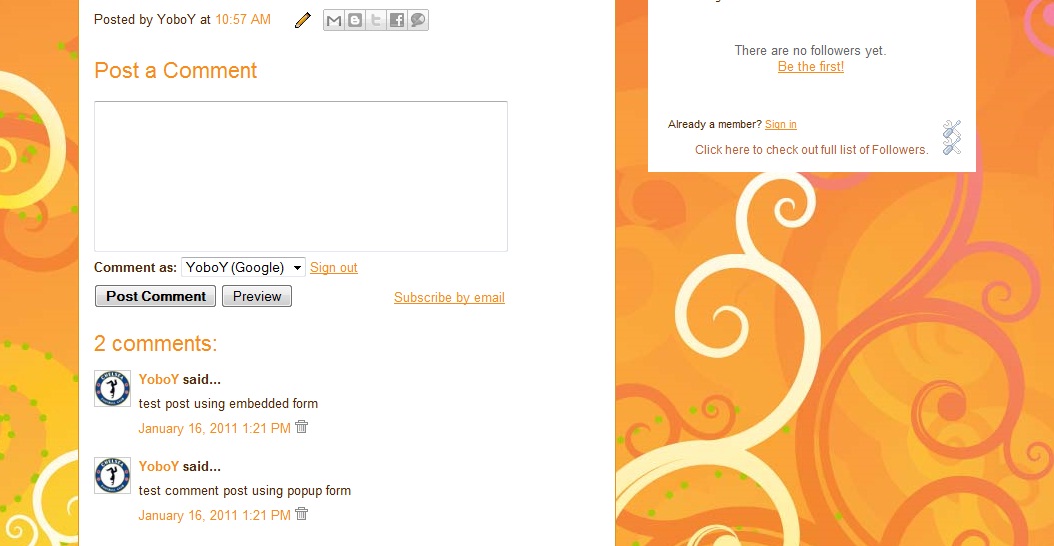
I have already composed and published another tutorial, and I saw a question on this. So I removed the other post and decided to write on this one instead. Since I've just composed the other lengthy post, I'll be brief on this one. So, when you have an embedded comment form, your comment blocks will appear first, followed by your comment form at the bottom of the post.
The doesn't sound so bad, except when you have lots and lots of comments. One would have to scroll all the way down to look for the comment form. So, why not just place it at the top instead, right after the end of your posts?
UPDATE: THIS TWEAK WILL NOT WORK WITH THE NEW BLOGGER REPLY COMMENT SYSTEM. CLICK ON 'REVERT WIDGET TEMPLATES TO DEFAULT' TO UNDO THIS TWEAK.
The doesn't sound so bad, except when you have lots and lots of comments. One would have to scroll all the way down to look for the comment form. So, why not just place it at the top instead, right after the end of your posts?
Subscribe to:
Posts (Atom)